
This document introduces the use of TViX Xroid A1 product, including product safety precautions, product usage precautions, product features, part names, settings and connection, TVIX Setting settings and so on.
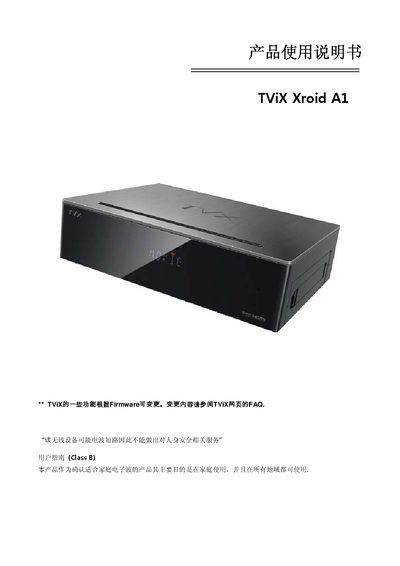
This manual covers safety warnings, proper handling, and environmental requirements for the TViX Xroid Al smart player. It explains how to connect the device to a TV, external storage, and network, and provides guidance on power and ventilation.
The guide also details the multimedia features, supported audio/video formats, file system compatibility, and system specifications such as the main chip, memory, and output ports. Frequently asked questions address safe removal of USB devices, power supply, and supported file systems. This manual is written in Chinese.
| Model | Xroid Al |
|---|---|
| Main Chip | Sigma Design SMP8656 + Android 2.2 (Froyo) |
| Memory | 512 MByte |
| Power Supply | DC 12 V (adapter) |
| Video Output | HDMI 1.3, Component, Composite |
| Supported Video Formats | .MKV, .mpg, .avi, .wmv, .divx, .vob, .ts, .iso, .ifo, .m2t, .mov, .flv |
| Supported Audio Formats | FLAC, DTS‑Wav, MP3, WMA, AAC, Dolby Digital, etc. |
| Storage File System Support | NTFS, FAT32 |
| Dimensions | 215 × 160 × 55 mm |
The device can read external hard drives formatted with NTFS or FAT32.
Select “Safely Remove Hardware” on the computer before unplugging the USB cable.
It uses a 12 V DC power adapter.