
TViX Xroid B1 mini is a smart player with HD digital jukebox functionality, suitable for home use. The product has various features that can be changed according to the firmware.
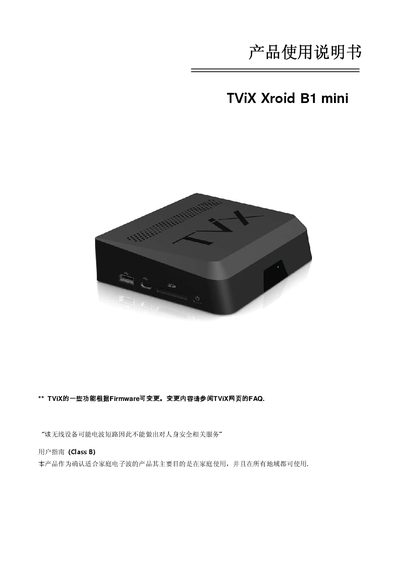
This manual covers safety precautions, proper installation, and operation of the TViX Xroid B1 mini smart player. It explains how to connect the device to a TV, power source, and external storage, as well as how to replace the hard drive and use the remote control.
The document also lists the product's technical specifications, supported media formats, language options, and network features. It includes a brief FAQ addressing common usage questions such as remote range, hard‑drive formatting, and safe handling procedures. This manual is written in Chinese.
| Model | Xroid B1 mini |
|---|---|
| Main Chip | Sigma Design SMP8670 + Android 2.2 (Froyo) |
| Maximum Resolution | 1920×1080P |
| Memory | 512 MB |
| Power Supply | DC 5 V adapter |
| Dimensions | 140 × 120 × 36 mm |
| USB Ports | 3 × USB 2.0 Host, 1 × USB 2.0 Target |
| LAN | 10/100/1000 Ethernet, optional Wi‑Fi |
| Video Output | HDMI 1.3, Composite |
| Supported File Systems | NTFS, FAT32 (2.5" HDD) |
Connect all cables only when both TViX and the TV are powered off.
A newly installed hard drive is formatted to NTFS by default; do not power off the device while formatting.
The remote works within 7–10 meters and about 15° left/right of the device.
Allow the device to cool completely before removing the hard drive to avoid burns.