
Pan-V HS is a network video surveillance service provided by Anko Digital Media Limited. It features easy installation and convenient operation. Users only need a personal computer, a USB network camera, Internet access, and Pan-V HS service installed and started on the personal computer to start the video surveillance service. No matter where users are, they can watch the video images of their homes at any time through a personal computer or a 3G mobile phone connected to the Internet.
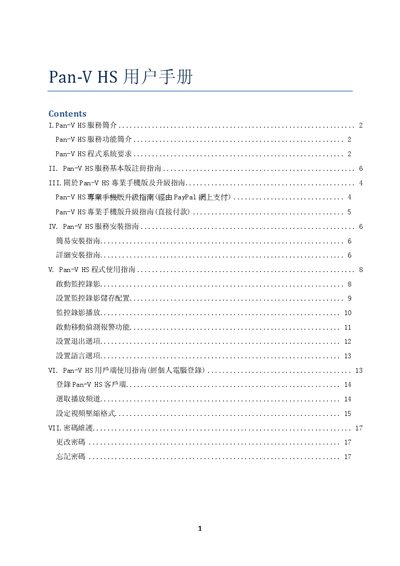
The manual introduces the Pan-V HS service, its features and system requirements. It lists the minimum and recommended configurations, such as Windows XP SP3, a Pentium‑4 2.4 GHz processor, 512 MB RAM and 50 MB of disk space, and explains the basic and professional mobile app capabilities.
Installation steps, user registration, service operation, channel setup, motion‑detection alerts, and password maintenance are covered in detail. The guide also provides instructions for upgrading to the professional version, using PayPal or direct payment, and notes USB cable length limits for camera connections. This manual is written in Chinese.
| Operating System (minimum) | Windows XP SP3 |
|---|---|
| Operating System (recommended) | Windows XP SP3 |
| Processor (minimum) | Pentium-4 (2.4 GHz) |
| Processor (recommended) | Pentium Dual-Core E5400 (2.7 GHz) |
| Memory (minimum) | 512 MB |
| Hard Disk Space (minimum) | 50 MB |
Visit www.panv.hk, click “用户登记?”, fill in user name, address and password, confirm, then follow the activation link sent to your email.
Open https://www.panv.hk/pcymysschngpwF.php, enter your user number, current password and new password; the system will email the new password.
The professional mobile version supports up to four USB cameras for real‑time monitoring.