
Key facts
- Manuals
- 1
- Languages
- ZH
- Last added
- 2012-03-14
Featured Pan-V manuals
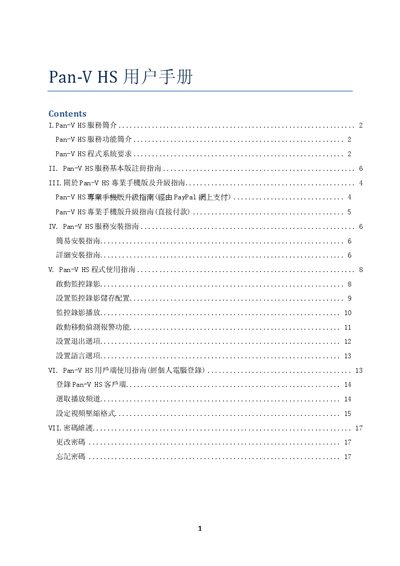
Pan-V HS User Manual
The manual introduces the Pan-V HS service, its features and system requirements. It lists the minimum and recommended configurations, such as Windows XP SP3, a Pentium‑4 2.4 GHz processor, 512 MB RAM and 50 MB of disk space, and explains the basic and professional mobile app capabilities.
Installation steps, user registration, service operation, channel setup, motion‑detection alerts, and password maintenance are covered in detail. The guide also provides instructions for upgrading to the professional version, using PayPal or direct payment, and notes USB cable length limits for camera connections. This manual is written in Chinese.
Covers: 服务简介 · 程式系统要求 · 基本版指南 · 专业手机版及升级指南 · 服务安装指南 · 程式使用指南
Latest Pan-V manuals
Pan-V HS User Manual
User Manual 18 pages · 1.2 MB · ZHPan-V HS is a network video surveillance service that works with USB cameras and PC/3G devices, offering motion detection, remote viewing and easy installation.
Which document do I need?
User Manual
Day-to-day operation, settings and troubleshooting. Start here if the product is already set up.
Questions answered in Pan-V manuals
How do I register for the Pan-V HS service?
Visit www.panv.hk, click “用户登记?”, fill in user name, address and password, confirm, then follow the activation link sent to your email.
From: Pan-V HS User Manual
How can I change my Pan-V HS password?
Open https://www.panv.hk/pcymysschngpwF.php, enter your user number, current password and new password; the system will email the new password.
From: Pan-V HS User Manual