
This document is the user manual for GXV3662 series network dome cameras produced by Shenzhen Chaoliu Network Technology Co., Ltd. It provides information about the features and operation of the cameras.
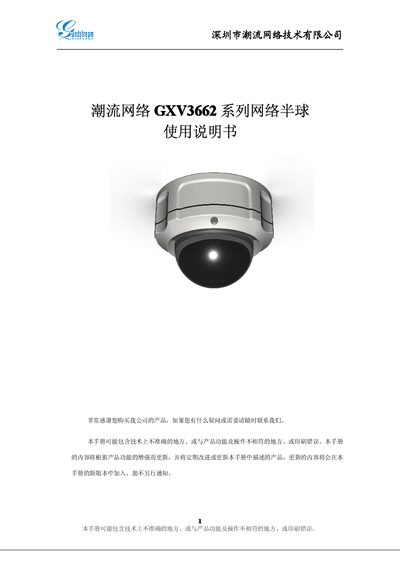
This manual covers the GXV3662 network dome camera, describing its hardware layout, safety precautions, and required power specifications. It guides users through device installation, network setup, and basic operation such as login, video settings, and alarm configuration.
Additional sections explain advanced features like PTZ control, motion detection, and firmware upgrades, and include a troubleshooting appendix with common questions and solutions. This manual is written in Chinese.
| Video compression | H.264, JPEG, Motion JPEG |
|---|---|
| Image sensor | 1/3", 1.2 MP CMOS |
| Resolution | 1280 × 960 |
| Maximum frame rate | 30 fps |
| Lens focal length | 3.3‑12 mm |
The browser may not have the required plugin installed; you need to install the ActiveX plugin or use the provided installation package.
Press and hold the RESET button for about 6 seconds; the system will clear user data and restore factory settings.
Only Windows‑based mobile devices are supported; other platforms such as iOS, Android, or Linux are not currently supported.
Ensure the ActiveX plugin is installed, then restart the browser; the server should become reachable.