
This manual introduces the quick installation method of DVS-N3010/3014 Network Video Server, including hardware installation, screen setting, IP address setting, and factory reset.
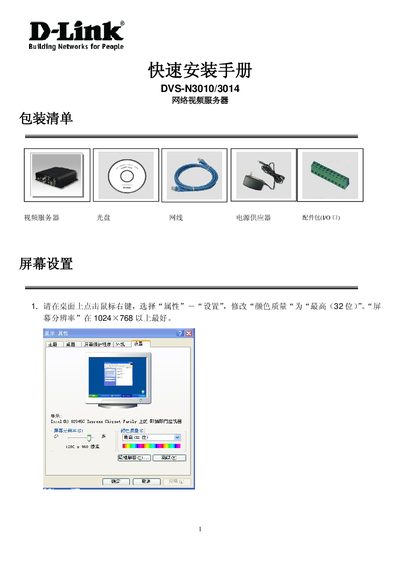
The guide explains how to install and configure the DVS N3010/N3014 net video server. It details the required hardware connections such as power (DC 12V), Ethernet, video in/out BNC jacks, audio RCA input, RS‑485/PTZ header, and GPIO.
It also describes the software setup using the IP Installer utility, IP address configuration, and supported SD card capacities. Follow the step‑by‑step instructions to bring the device online and ready for use. This manual is written in Chinese.
| Power Supply | DC 12V |
|---|---|
| Recommended Video Resolution | ≥1024×768 |
| Video Output Connector | BNC jack |
| Video Input Connector | BNC jack |
| Audio Input Connector | RCA jack |
| RS‑485 / PTZ Header | Present |
It requires a DC 12 V power supply.