
Key facts
- Manuals
- 1
- Categories
- 1
- Languages
- ZH
- Last added
- 2012-03-13
Featured DVS-N3010/3014 manuals
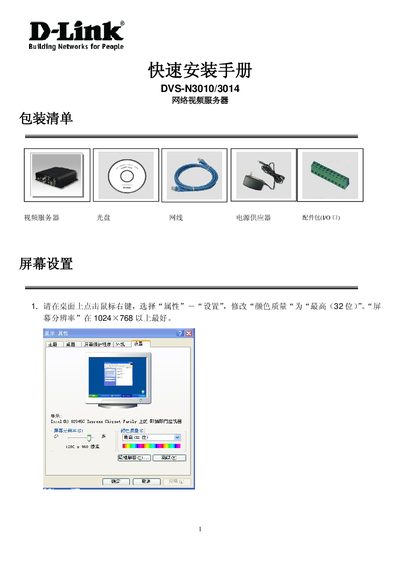
DVS N3010/N3014 Net Video Server Quick Installation Guide
The guide explains how to install and configure the DVS N3010/N3014 net video server. It details the required hardware connections such as power (DC 12V), Ethernet, video in/out BNC jacks, audio RCA input, RS‑485/PTZ header, and GPIO.
It also describes the software setup using the IP Installer utility, IP address configuration, and supported SD card capacities. Follow the step‑by‑step instructions to bring the device online and ready for use. This manual is written in Chinese.
Covers: Power Supply · Ethernet Connection · Video Input / Output · Audio Input · RS‑485 / PTZ Header · GPIO
Latest DVS-N3010/3014 manuals
DVS N3010/N3014 Net Video Server Quick Installation Guide
Installation Guide 6 pages · 454 KB · ZHThis quick installation guide provides setup steps for DVS N3010/N3014 net video servers, covering power, network, video, audio, and RS‑485 connections.
Which document do I need?
Installation Guide
Mounting, wiring and first power-up. Read it before the hardware goes in.
Questions answered in DVS-N3010/3014 manuals
What power supply does the DVS N3010/N3014 require?
It requires a DC 12 V power supply.
From: DVS N3010/N3014 Net Video Server Quick Installation Guide