
This article introduces the features and usage of the timer (Timer) module of the TI Stellaris LM4F chip, including timer mode and capture mode. Timer mode can be used for single run and continuous run, and can set the count direction and count size. Capture mode includes edge counting and edge timing, and can be used for split and whole work. The article also provides corresponding example programs.
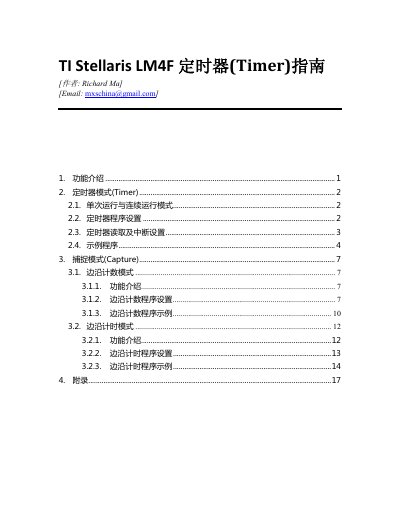
The document introduces the timer module of the Stellaris LM4F series, describing the available 32/16‑bit and 64/32‑bit timers, their operating modes (one‑shot, periodic, real‑time clock) and split‑pair configurations. It also covers the capture mode, including edge‑count and edge‑time functions, and the PWM mode.
Programming details are provided, such as enabling the timer peripheral, configuring mode and count range, setting up interrupts, and example code that generates a one‑second UART output using a wide timer. An appendix supplies a console‑initialization routine for UART communication. This manual is written in Chinese.
| Timer bit‑width options | 32/16‑bit and 64/32‑bit |
|---|---|
| Supported timer modes | Timer, Capture, PWM |
| Capture edge selection | Rising, Falling, Both edges |
Call SysCtlPeripheralEnable with the timer’s peripheral identifier, for example SysCtlPeripheralEnable(SYSCTL_PERIPH_WTIMER0).
Use TimerConfigure with the TIMER_CFG_ONE_SHOT (or TIMER_CFG_ONE_SHOT_UP) flag for the desired timer instance.
TimerControlEvent selects the edge to capture, using TIMER_EVENT_POS_EDGE, TIMER_EVENT_NEG_EDGE, or TIMER_EVENT_BOTH_EDGES.
Call TimerEnable with the timer base address and the appropriate channel (TIMER_A, TIMER_B, or TIMER_BOTH).