
HT-842R is a broadband router with 4 FXS ports VoIP network phone gateway designed specifically for China. It has the advantages of low price, stability, simple installation and rich functions. It is the preferred device for broadband IP phone access providers, system integrators, Internet cafes, and bars. HT-842R can be configured as H.323 or SIP protocols in one software
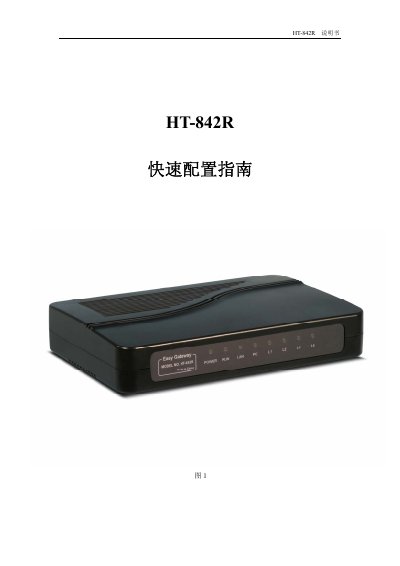
This guide provides step‑by‑step instructions for unpacking, connecting, and configuring the HT-842R broadband router. It includes details on hardware interfaces, LED indicators, and initial network setup using DHCP, static IP or PPPOE.
The manual also explains how to configure voice call parameters for H.323 and SIP, manage passwords, perform firmware upgrades, reset to factory defaults, and set custom dialing rules. Contact information for technical support is provided at the end. This manual is written in Chinese.
| Power Supply | 24VDC / 300mA transformer |
|---|---|
| Power LED | Indicates power status |
| Run LED | Slow flash normal, fast flash error |
| LAN LED | Solid when link is up, flashing when traffic |
| Line LEDs (L1‑L4) | Indicates line status |
| Default Login | Username: admin, Password: admin |
| DHCP Support | Automatic IP acquisition |
| Static IP Example | 192.168.8.1 |
| PPPoE Support | ADSL dial‑up |
In the network settings menu, choose “自动获取 IP地址” to enable DHCP.
Enter the “呼叫设置” menu, select “H.323 终端”, and fill in server address, phone number, and optional H.235 authentication details.