
Key facts
- Manuals
- 1
- Categories
- 1
- Languages
- ZH
- Last added
- 2012-03-13
Featured HT-842R宽带路由器 manuals
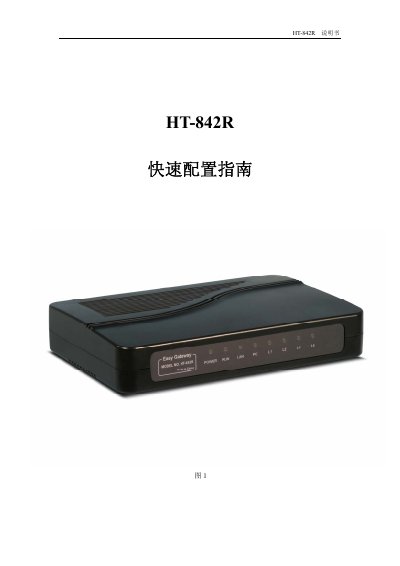
HT-842R Quick Reference Manual
This guide provides step‑by‑step instructions for unpacking, connecting, and configuring the HT-842R broadband router. It includes details on hardware interfaces, LED indicators, and initial network setup using DHCP, static IP or PPPOE.
The manual also explains how to configure voice call parameters for H.323 and SIP, manage passwords, perform firmware upgrades, reset to factory defaults, and set custom dialing rules. Contact information for technical support is provided at the end. This manual is written in Chinese.
Covers: Unboxing Check · Installation and Connections · Initial Configuration · Tools · Dialing Rules · Additional Information
Latest HT-842R宽带路由器 manuals
HT-842R Quick Reference Manual
Quick Start Guide 17 pages · 720 KB · ZHQuick reference guide for the HT-842R broadband router covering setup, network configuration, and call parameters.
Which document do I need?
Quick Start Guide
The shortest path to a working setup, usually only a few pages.
Questions answered in HT-842R宽带路由器 manuals
How do I configure the network using DHCP?
In the network settings menu, choose “自动获取 IP地址” to enable DHCP.
How do I set H.323 call parameters?
Enter the “呼叫设置” menu, select “H.323 终端”, and fill in server address, phone number, and optional H.235 authentication details.