
This document is a manual for serial port servers, which describes the features, characteristics, and application modes of the product.
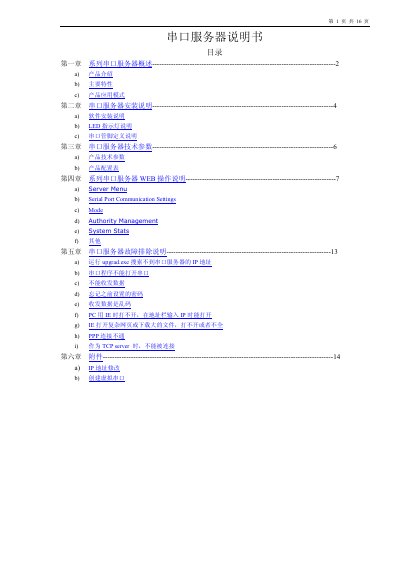
This manual describes a serial server that converts RS232/422/485 ports to Ethernet, providing transparent bidirectional data transfer and various network features such as DHCP, static IP, and PPP support. It includes hardware details, software drivers, and web‑based configuration options.
The document provides step‑by‑step installation instructions, configuration of virtual COM ports, web interface settings, and a comprehensive troubleshooting guide for common issues like IP discovery failures, password reset, and data communication problems. This manual is written in Chinese.
| CPU | 32‑bit 100 MHz |
|---|---|
| RAM | 2 MB or 8 MB |
| Serial ports | 1, 2, 4, 8, 16, 32 |
| Baud rate | 50‑460800 bps |
| Power supply | DC 5 V 1 A or AC 220 V |
| Dimensions (single‑port model) | 97 × 65 × 22 mm |
Press and hold the reset button for 3 seconds; the password will be temporarily cleared, but will be restored after power‑off.
Run the provided upgrade software, select Tool → Temporary change IP address, and enter a new address in the same subnet as the switch.