
SuperDVR & TD series video card user manual introduces the use of the series video card's hardware installation, main interface, recording, system settings, PTZ control and other functions.
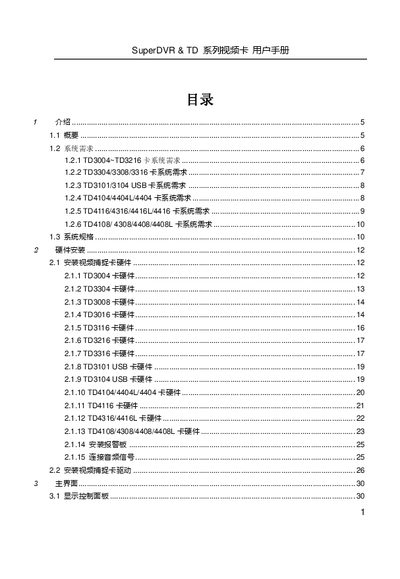
This manual provides step‑by‑step instructions for installing and configuring SuperDVR TD series video capture cards, including hardware setup, driver installation, and system requirements. It also explains how to use various capture modes, PTZ control, and search/playback functions.
Additional sections cover troubleshooting common issues, such as playback problems and network configuration, and include a FAQ with answers to typical user questions. This manual is written in Chinese.
| Maximum channels | 32 |
|---|---|
| Maximum frame rate | 800 fps |
| Supported resolutions | 320x240, 640x480 (NTSC); 352x288, 704x576 (PAL) |
| Memory requirement | 256 MB RAM (minimum) |
Playback may fail because Windows Media Player is corrupted or the required codec is not installed; reinstall the software or use SuperAVIFix to repair files.