
This document is the user manual for the All-in-one PC series AB18B by GIGABYTE Technology Co., Ltd. The manual provides instructions for setting up and using the AB18B, as well as safety guidelines and cleaning methods.
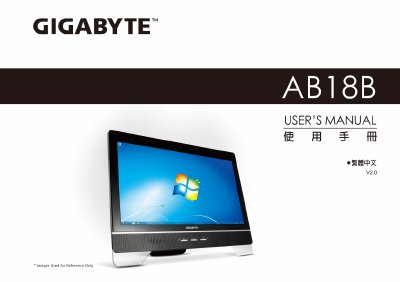
This manual guides you through safe handling, installation and everyday use of the Gigabyte AB18B All‑in‑One PC. It covers safety precautions, power‑adapter requirements, proper cleaning methods, and warranty service information.
Additional sections include regulatory compliance notes, a detailed parts checklist, step‑by‑step setup instructions, upgrade options, troubleshooting tips, and a comprehensive list of worldwide voltage specifications. This manual is written in Chinese.
| Supported Voltage (US) | 120V 60 Hz |
|---|---|
| Supported Voltage (EU) | 230V 50 Hz |
| Power Adapter Included | 1 year global warranty |
No. Only the transformer supplied by Gigabyte should be used; other adapters may cause fire or explosion.