
This manual introduces the features and usage of Lumens PS750 Digital Capture Stand. It includes safety instructions, a list of accessories, product operation illustrations, installation and connection, getting started, DIP switch settings, control panel/remote control keys and screen menu introduction, common function instructions, connecting microscopes, storage and common problem troubleshooting.
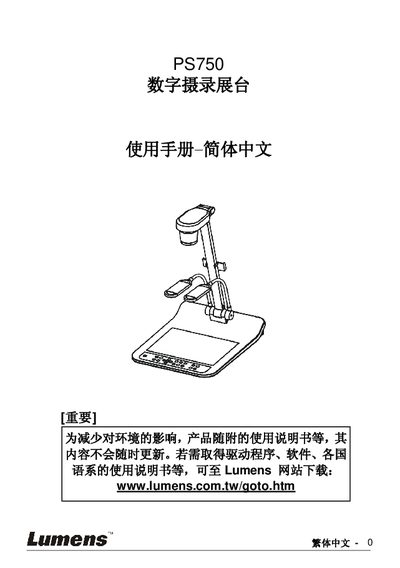
This manual explains safe handling of the PS750 digital videography exhibition table, including power‑type requirements, grounding, and environmental precautions. It also lists the accessories supplied with the unit and shows the layout of the device’s lenses, lighting, control panel, and ports.
The guide covers installation steps, connection diagrams for projectors, computers, TVs, and microscopes, as well as detailed operation instructions such as auto‑tune, focus adjustment, image capture, SD‑card usage, and DIP‑switch settings. A troubleshooting section helps resolve common issues like no power, no image output, focus problems, and storage errors. This manual is written in Chinese.
Check that the power is connected, verify all cables according to the installation chapter, and confirm the signal source settings in the common functions section.
Adjust the distance between the document and the lens or use the Zoom‑minus button on the remote/control panel to bring the document farther away, then press the AF button.
Select the “Factory Reset” option in the menu (section 8.17) to restore all settings to their original values.