
Operation manual of digital microscope, introduces the features and characteristics of this product, including preparation, shooting/browsing, shooting practical functions, browsing practical functions, connection of other devices, and other contents.
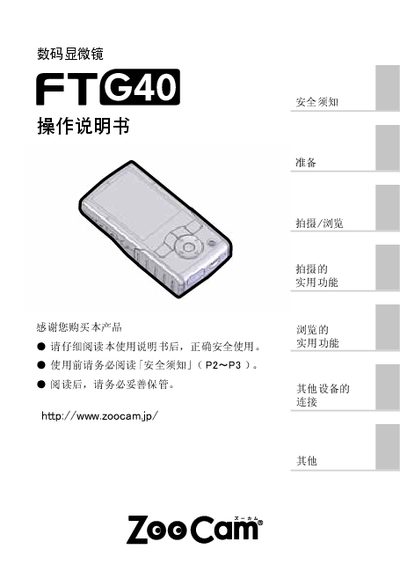
This manual begins with safety warnings and preparation steps, including battery and SD‑card installation, language and time configuration, and an overview of the device’s controls. It then describes shooting and browsing functions, LED illumination adjustment, and how to connect the microscope to a TV or computer.
Later sections cover troubleshooting, maintenance tips, and a detailed list of the main specifications such as sensor type, resolution, power options, and physical dimensions. This manual is written in Chinese.
| Effective pixel count | 2 MP |
|---|---|
| Image sensor | 1/5" CMOS |
| Focal distance / aperture | f=43 mm, F=2.8 |
| Optical magnification | 10× – 45× (max 4× digital) |
| Image resolution | 1600 × 1200, 1280 × 1024, VGA 640 × 480 |
| Recording format | JPEG (still) / AVI (animation, 30 fps) |
| Maximum SD‑card capacity | 16 GB |
| LCD screen | 3‑inch TFT, 320 × 240 RGB |
| LED illumination | High‑brightness white, 3 brightness levels |
| Input / output ports | Micro‑USB, video port |
| Operating temperature / humidity | -5 °C – 50 °C, up to 85 % RH |
| Power consumption | 210 mA @ 4.5 V |
| Power source | 3 × AA batteries or USB power |
| Dimensions | 120 × 60 × 28 mm |
| Weight | 108 g (battery excluded) |
The microscope can be powered by three AA batteries or by connecting to a USB power source.
The device uses a standard SD card; the maximum supported capacity is 16 GB.
The sensor provides an effective pixel count of 2 megapixels (200万画素).