
Key facts
- Manuals
- 1
- Categories
- 1
- Languages
- ZH
- Last added
- 2012-03-13
Featured 数码显微镜FTG40 manuals
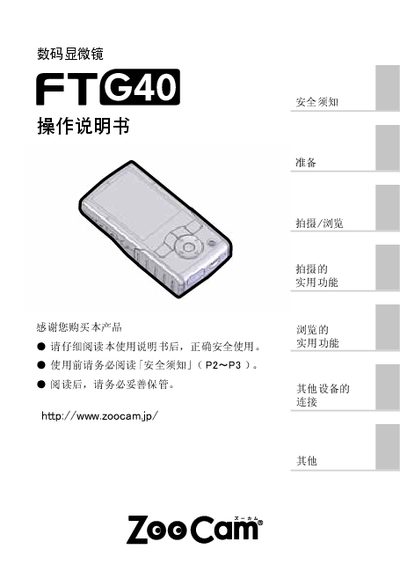
Zoocam FTG40 Digital Microscope User Manual
This manual begins with safety warnings and preparation steps, including battery and SD‑card installation, language and time configuration, and an overview of the device’s controls. It then describes shooting and browsing functions, LED illumination adjustment, and how to connect the microscope to a TV or computer.
Later sections cover troubleshooting, maintenance tips, and a detailed list of the main specifications such as sensor type, resolution, power options, and physical dimensions. This manual is written in Chinese.
Covers: Preparation · Battery and SD Card Installation · Language and Time Settings · Shooting and Browsing · LED Brightness Adjustment · Connecting to TV/Computer
Latest 数码显微镜FTG40 manuals
Zoocam FTG40 Digital Microscope User Manual
User Manual 18 pages · 1.2 MB · ZHThe Zoocam FTG40 digital microscope user manual provides safety instructions, setup steps, operation guidance, and technical specifications.
Which document do I need?
User Manual
Day-to-day operation, settings and troubleshooting. Start here if the product is already set up.
Questions answered in 数码显微镜FTG40 manuals
What power sources can be used with the FTG40?
The microscope can be powered by three AA batteries or by connecting to a USB power source.
What type of SD card does the FTG40 use and what is the maximum capacity?
The device uses a standard SD card; the maximum supported capacity is 16 GB.