
This is an instruction manual for a Tissot T-Touch Expert watch. It can display date, time, world time, temperature, and pressure.
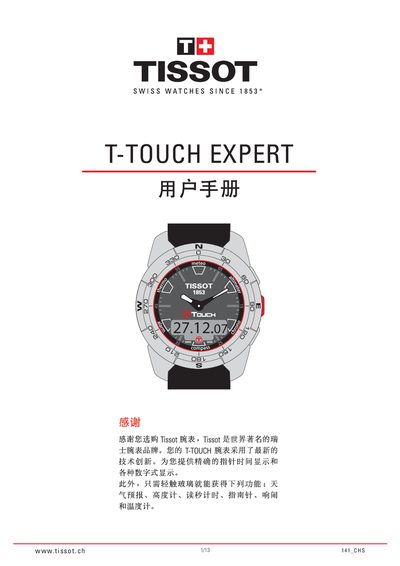
This manual provides step‑by‑step instructions for using the T‑Touch Expert’s touch‑screen interface, setting the time, date, and selecting between 12‑hour and 24‑hour modes. It also covers how to enable or disable the glass display, power‑saving mode, and how to navigate the various sub‑menus such as unit display and climate settings.
Additional sections describe the watch’s sensor‑based functions: weather forecast, barometric pressure, altitude and altitude‑difference measurement, and temperature display. Guidance is given for synchronising the hands with digital time, configuring north/south hemisphere and climate zones, and troubleshooting sensor faults. This manual is written in Chinese.
| Absolute pressure range | 300 hPa – 1100 hPa |
|---|---|
| Relative pressure range | 950 hPa – 1100 hPa |
| Pressure accuracy (absolute) | +3 hPa |
| Pressure resolution | 1 hPa |
| Altitude measurement range | -400 m – 49 000 m |
| Maximum vertical speed | 300 km/h |
| Temperature range | -5 °C – 45 °C |
| Temperature accuracy | +1.5 °C / +1.85 °F |
| Temperature resolution | 0.19 °C / 0.2 °F |
Select the Power Saving Mode setting; after 10 seconds of inactivity the watch automatically switches to power‑saving mode, leaving only time and date active.
The altitude function uses a pressure‑altitude conversion: it calculates height from absolute atmospheric pressure relative to sea level.
In the settings menu you can switch the temperature display between Celsius (°C) and Fahrenheit (°F).