
This document is a user manual for Lenovo computer products, including instructions for connecting computer cables, starting and shutting down the computer, as well as driver installation and troubleshooting.
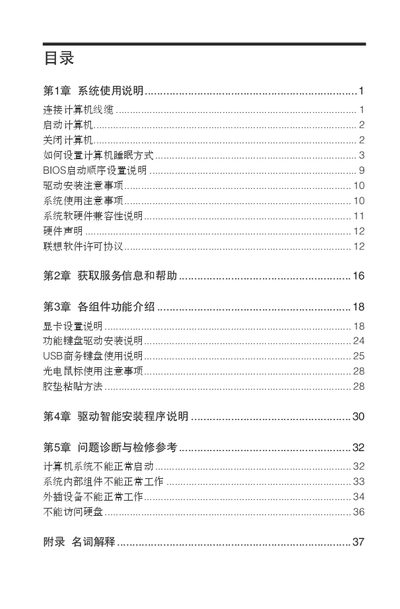
This manual guides users through the initial setup of a Lenovo computer, including checking the packing list, connecting cables such as VGA, HDMI, LAN, audio, Modem, power adapter, and DP, and powering the system on. It also explains how to safely shut down the computer for various Windows operating systems.
Additional sections cover power‑option settings, sleep and hibernate configuration, driver installation, and troubleshooting common issues like failure to start, component malfunctions, and peripheral problems. An appendix provides terminology definitions and licensing information. This manual is written in Chinese.
| Audio ports | Audio output, Audio input, Microphone |
|---|
For Windows XP, click Start → Shut Down → Shut Down and wait for the PC to power off before turning off the monitor. For Windows Vista and Windows 7, use the Start menu or the power button to select Shut Down, then turn off the monitor after the PC powers off.
Open Control Panel → Power Options, choose a power plan, then select the Sleep or Hibernate tab and enable the desired mode. You can also set the idle time after which the computer enters sleep.