
This is a wireless barcode reader user manual, which contains safety precautions, product features, usage methods, etc.
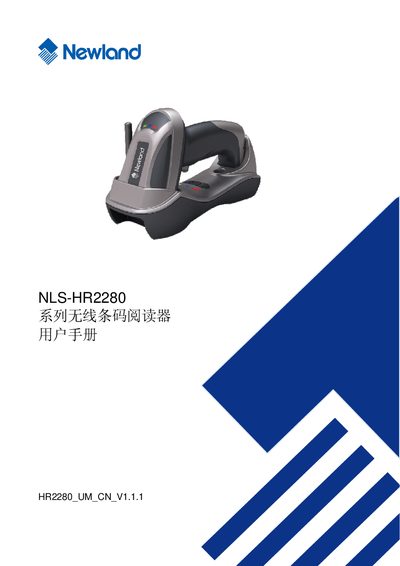
This manual provides instructions for using the Newland NLS‑HR2280 wireless barcode reader. It describes the hardware layout, connection options such as RS232 and USB, and the supported barcode symbologies.
The document also lists environmental limits, regulatory information and contact details for technical support. This manual is written in Chinese.
| Interface | RS232 |
|---|---|
| Supported barcode symbologies | UPC-A, UPC-E, EAN-13, ISBN/ISSN, EAN-8, Code 39, Code 128, PDF417, QR, Aztec, DataMatrix |
The reader can be connected via an RS232 interface.
It supports UPC‑A, UPC‑E, EAN‑13, ISBN/ISSN, EAN‑8, Code 39, Code 128, PDF417, QR, Aztec and DataMatrix.
You can email [email protected] or call 0591‑83979215.