
This document provides installation instructions and features of the Lenovo computer model B475. It mentions accessories such as power cord, battery, installation guide, AC power adapter, and CD-ROM. It also introduces special features such as fingerprint recognition security solution and provides information about buttons and functions.
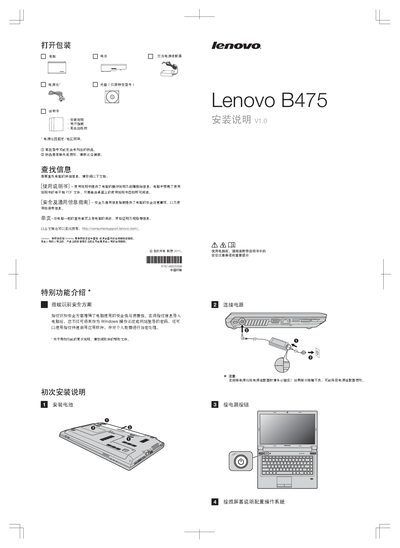
The manual starts with unpacking instructions, listing items such as the battery, power adapter, and CD (specific models). It includes safety notes about power cables, missing items, and points to additional documents like the User Guide and Safety & General Information Guide.
It then describes special functions of the B475, including fingerprint security, the OneKey Recovery button, built‑in camera, wireless communication switch, and how to connect external devices. Guidance on creating a recovery disc and accessing Lenovo support services is also provided. This manual is written in Chinese.
| Built-in camera | Specific models only |
|---|---|
| Fingerprint reader | Specific models only |
| Wireless communication switch | Specific models only |
Make sure the power cable and adapter are firmly plugged in.
Press the OneKey Recovery button while the computer is powered off.
Toggle the wireless communication switch on the laptop.