
This document introduces how to use the e-anbao platform, including website login, new user registration, registered user login, recharge query service, function introduction and setting, usage function, system home page, current location, historical trajectory, short message record, short message reminder, advanced settings, personal information, password modification, e-anbao product SIM card replacement, e-anbao product abandonment, function setting, etc.
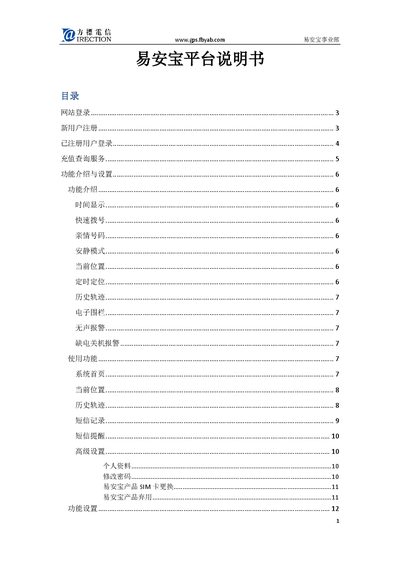
This manual explains how to access the YAB platform website, register a new device by entering its IMEI number, set up a username and password, and log in to manage the device. It also covers password recovery, SIM card replacement, and online recharge procedures.
The guide details the platform’s functions such as time display, quick dial, family numbers, quiet mode, current position, timed positioning, history track, electronic fence, silent alarm, low‑power shutdown alarm, and SMS command usage, with screenshots and step‑by‑step instructions for each feature. This manual is written in Chinese.
| Device phone number example | 15012345678 |
|---|
It sets the device to vibrate‑only mode during a specified time period, allowing only SOS and quick‑dial calls to ring.