
Key facts
- Manuals
- 1
- Languages
- ZH
- Last added
- 2012-03-12
Featured 易安宝平台说明书 manuals
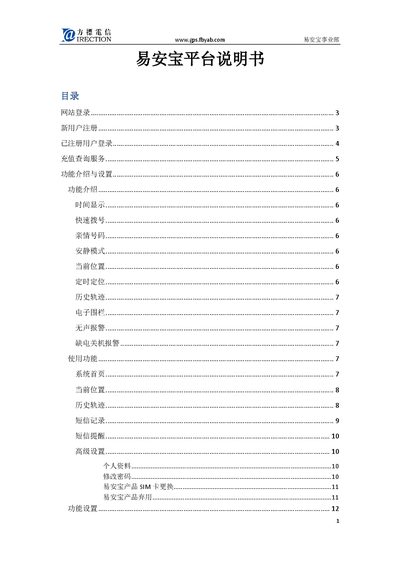
YAB Platform User Manual
This manual explains how to access the YAB platform website, register a new device by entering its IMEI number, set up a username and password, and log in to manage the device. It also covers password recovery, SIM card replacement, and online recharge procedures.
The guide details the platform’s functions such as time display, quick dial, family numbers, quiet mode, current position, timed positioning, history track, electronic fence, silent alarm, low‑power shutdown alarm, and SMS command usage, with screenshots and step‑by‑step instructions for each feature. This manual is written in Chinese.
Covers: Website Login · Device Registration · Password Recovery · Online Recharge · Function Introduction and Settings · Current Position
Latest 易安宝平台说明书 manuals
YAB Platform User Manual
User Manual 29 pages · 1.2 MB · ZHThe YAB Platform User Manual provides step‑by‑step instructions for registration, login, settings, and using GPS tracking features.
Which document do I need?
User Manual
Day-to-day operation, settings and troubleshooting. Start here if the product is already set up.
Questions answered in 易安宝平台说明书 manuals
What does the “Quiet Mode” do?
It sets the device to vibrate‑only mode during a specified time period, allowing only SOS and quick‑dial calls to ring.
From: YAB Platform User Manual