
ECB3500 Quick Installation Manual, the manual provides product hardware installation and software settings methods. The main features of the product are that it conforms to the IEEE802.11 b/g standard, the maximum transmission power is 28dBm, and the removable dual-polarized antenna can support single-antenna reception and transmission through software settings. The maximum bandwidth is 108Mbps. It supports multiple SSIDs (4) and 48V PoE power supply (original 12V1A power supply). Up to 7 working modes: Access point/Client Bridge/WDS Bridge/Repeater/AP Router/Client Router and AP+WDS.
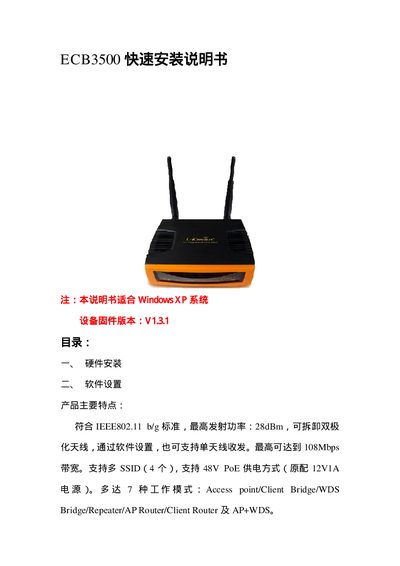
This guide walks you through the hardware installation of the ECB3500, including connecting the power supply, Ethernet cable, and performing a factory reset by holding the Reset button for 30 seconds. It also explains how to assign a static IP address (default 192.168.1.1) and access the web‑based management interface.
The manual details software settings such as configuring SSIDs (up to 4), selecting operating modes (Access Point, Client Bridge, WDS Bridge, Repeater, AP Router, Client Router), adjusting transmit power (up to 28 dBm), and enabling advanced features like DHCP server, port forwarding, and PoE power (48 V). This manual is written in Chinese.
| Maximum transmit power | 28 dBm |
|---|---|
| Supported bandwidth | 108 Mbps |
| Number of SSIDs supported | 4 |
| PoE power support | 48 V PoE |
Press and hold the Reset button for 30 seconds while the device is powered on.
The default management IP address is 192.168.1.1.
Up to four SSIDs can be configured.
The device’s default maximum transmit power is 28 dBm.