
Key facts
- Manuals
- 1
- Languages
- ZH
- Last added
- 2012-03-12
Featured ECB3500 manuals
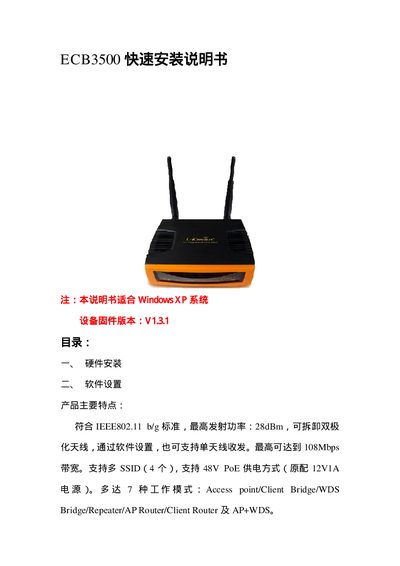
ECB3500 Quick Installation Manual
This guide walks you through the hardware installation of the ECB3500, including connecting the power supply, Ethernet cable, and performing a factory reset by holding the Reset button for 30 seconds. It also explains how to assign a static IP address (default 192.168.1.1) and access the web‑based management interface.
The manual details software settings such as configuring SSIDs (up to 4), selecting operating modes (Access Point, Client Bridge, WDS Bridge, Repeater, AP Router, Client Router), adjusting transmit power (up to 28 dBm), and enabling advanced features like DHCP server, port forwarding, and PoE power (48 V). This manual is written in Chinese.
Covers: Hardware Installation · Software Configuration · Operating Modes · System Information · LAN Settings · WAN Settings
Latest ECB3500 manuals
ECB3500 Quick Installation Manual
Quick Start Guide 14 pages · 2.1 MB · ZHThe ECB3500 quick installation manual provides step‑by‑step hardware setup, software configuration, and mode settings for the device.
Which document do I need?
Quick Start Guide
The shortest path to a working setup, usually only a few pages.
Questions answered in ECB3500 manuals
How do I reset the ECB3500 to factory settings?
Press and hold the Reset button for 30 seconds while the device is powered on.
What is the default IP address for accessing the device’s web interface?
The default management IP address is 192.168.1.1.