
USBDM is a combination of a simulator and a programmer for Freescale single-chip microcomputers, which can simulate and burn many models of Freescale chips.
The USBDM emulator is a combined simulator and programmer for Freescale (NXP) microcontrollers. It supports a range of interfaces such as ARM JTAG, Codefire BDM, DSC JTAG, and Kinetis mini connectors.
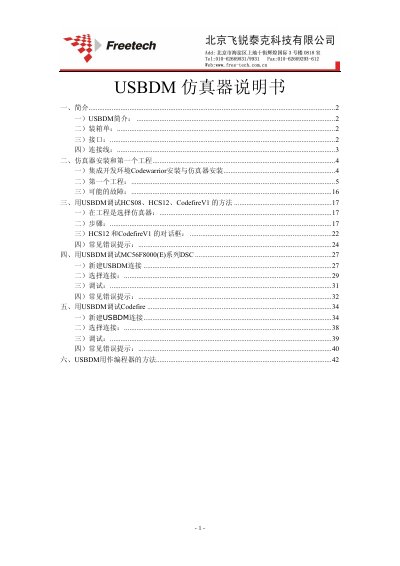
The manual covers unpacking, hardware interfaces, installation of the USBDM software and CodeWarrior IDE, creation of a first project, debugging procedures for various MCU families, common error messages, and using the device as a standalone programmer. This manual is written in Chinese.
| Supported interfaces | ARM 20‑pin JTAG, Codefire V2/3/4 26‑pin BDM, DSC 14‑pin JTAG, HCS08/HCRS08/HCS12/Codefire V1 6‑pin BDM, Kinetis mini20, Kinetis mini10 |
|---|---|
| Supported microcontroller families | HCS08, HCRS08, HCS12, Codefire V1/2/3/4, MC56F8000(E), Kinetis |
| Package contents | USBDM emulator unit, USB cable, various BDM/JTAG cables |
Run the USBDM_4_7_0e_Win.msi installer from the CD and follow the standard installation steps.
Open the ARM Programmer in the USBDM software, load the hex file, select the device, set the Vdd option, and click "Program Flash".
The Target Vdd Control can be set to Off (external supply), 3.3 V, or 5 V depending on the target chip.