
Key facts
- Manuals
- 1
- Languages
- ZH
- Last added
- 2012-03-12
Featured USBDM manuals
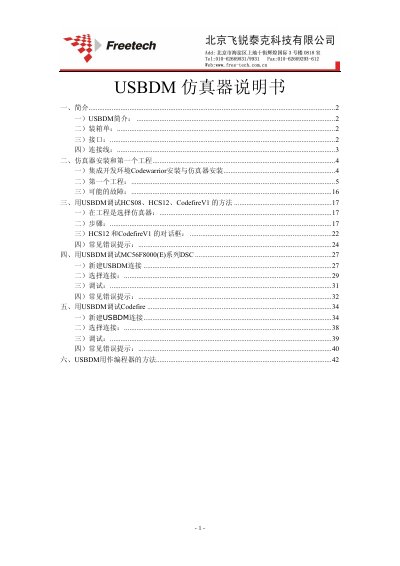
USBDM Emulator User Manual
The USBDM emulator is a combined simulator and programmer for Freescale (NXP) microcontrollers. It supports a range of interfaces such as ARM JTAG, Codefire BDM, DSC JTAG, and Kinetis mini connectors.
The manual covers unpacking, hardware interfaces, installation of the USBDM software and CodeWarrior IDE, creation of a first project, debugging procedures for various MCU families, common error messages, and using the device as a standalone programmer. This manual is written in Chinese.
Covers: Introduction · Package Contents · Supported Interfaces · Connection Cables · Installation and First Project · Debugging HCS08/HCS12/CodefireV1
Latest USBDM manuals
USBDM Emulator User Manual
User Manual 45 pages · 1.4 MB · ZHThe USBDM Emulator User Manual provides setup, connection, and debugging instructions for HCS08, HCS12, CodefireV1, and MC56F8000 series devices.
Which document do I need?
User Manual
Day-to-day operation, settings and troubleshooting. Start here if the product is already set up.
Questions answered in USBDM manuals
How do I install the USBDM software?
Run the USBDM_4_7_0e_Win.msi installer from the CD and follow the standard installation steps.
How can I program a target chip using USBDM?
Open the ARM Programmer in the USBDM software, load the hex file, select the device, set the Vdd option, and click "Program Flash".