
This user manual mainly introduces the use methods, precautions, function introductions of CR18A car driving recorder.
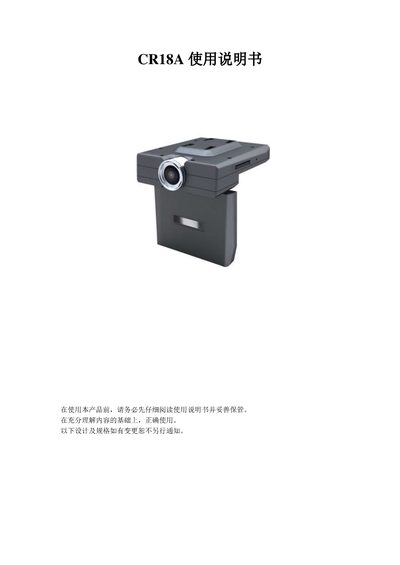
This manual explains how to install and use the CR18A car dash cam. It covers safety precautions, power connections, charging, and how to insert or remove the SD storage card. Detailed descriptions of each button and mode—including camera, photo, zoom, audio, browsing, music, system settings, computer, TV‑OUT, and HDMI—are provided.
The guide also includes troubleshooting tips for common issues such as a blank screen, failure to record, connection problems with a computer or TV, and image quality concerns. Technical specifications of the device are listed at the end of the document. This manual is written in Chinese.
| Sensor | 1200万分辨率 (500万 CMOS 感应器) |
|---|---|
| LCD Screen | 2.8" 23万像素彩色液晶显示屏 |
| Video Output | PAL/NTSC, HDMI |
| Audio | Built‑in microphone and speaker |
| Storage | SDHC/SDXC up to 32 GB |
| Battery | Built‑in lithium battery |
Check that the battery is not too low and needs charging.
Make sure the USB cable is properly connected and the USB port is functioning; try a different USB device.
Clean the lens with a lens cloth or a dedicated cleaning device to remove fingerprints or dust.