
Key facts
- Manuals
- 1
- Categories
- 1
- Languages
- ZH
- Last added
- 2012-03-12
Featured CR18A汽车行驶记录仪 manuals
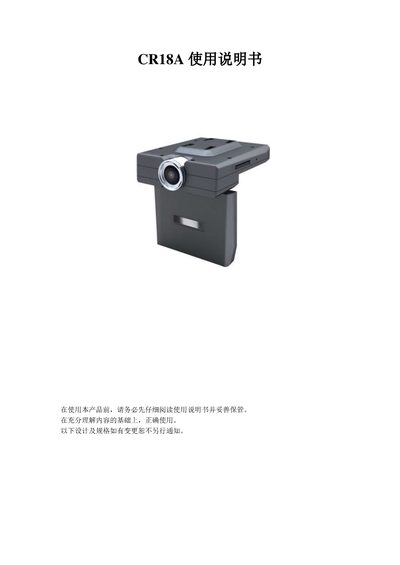
CR18A Car Dash Cam User Manual
This manual explains how to install and use the CR18A car dash cam. It covers safety precautions, power connections, charging, and how to insert or remove the SD storage card. Detailed descriptions of each button and mode—including camera, photo, zoom, audio, browsing, music, system settings, computer, TV‑OUT, and HDMI—are provided.
The guide also includes troubleshooting tips for common issues such as a blank screen, failure to record, connection problems with a computer or TV, and image quality concerns. Technical specifications of the device are listed at the end of the document. This manual is written in Chinese.
Covers: Safety Precautions · Operation Interface Introduction · Button Functions · Power On/Off and Charging · Camera, Photo, and Zoom Modes · Audio and Music Modes
Latest CR18A汽车行驶记录仪 manuals
CR18A Car Dash Cam User Manual
User Manual 12 pages · 259 KB · ZHThe CR18A car dash cam user manual provides setup, operation, safety, and troubleshooting instructions.
Which document do I need?
User Manual
Day-to-day operation, settings and troubleshooting. Start here if the product is already set up.
Questions answered in CR18A汽车行驶记录仪 manuals
Why is the display not showing anything?
Check that the battery is not too low and needs charging.
Why can't the device be recognized by the computer?
Make sure the USB cable is properly connected and the USB port is functioning; try a different USB device.