
GU601A controller user manual, mainly introduces the controller's appearance structure, wiring terminals, operation panel, installation guide, control and operation instructions, measurement and display data, warning and shutdown fault, parameter setting, LCD display and menu system, controller startup preparation work, technical parameters, etc.
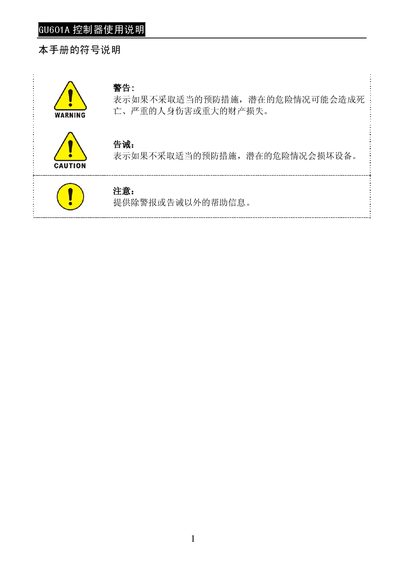
The GU601A controller is an automatic control and safety protection module for generator sets. It provides manual and automatic control modes, LCD status display, and configurable protection parameters. The manual describes the controller's hardware layout, wiring, operation panel, and parameter settings.
The document includes safety warnings, step‑by‑step installation instructions, detailed wiring diagrams, LCD menu navigation, and a full list of technical specifications such as power supply ranges, current limits, and environmental limits. This manual is written in Chinese.
| DC working voltage range | 12 V/24 V (8‑35 V continuous) |
|---|---|
| Maximum operating current @12 V | 150 mA |
| Maximum operating current @24 V | 75 mA |
| AC input voltage range | 15‑300 V AC RMS |
| AC input frequency range | 3‑70 Hz |
| Relay output rating | 3 A / 30 V DC |
| Operating temperature range | -20 °C to 70 °C |
| Storage temperature range | -30 °C to 80 °C |
| Firmware version | 070A100430 |
Long‑press the “回” key for two seconds, then press the “国” key six times as instructed on the LCD to restore all parameters to their factory settings.