
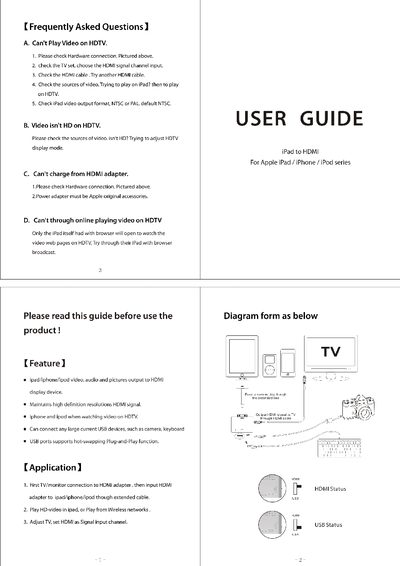
The document provides step‑by‑step instructions for connecting an iPad, iPhone, or iPod to a TV or monitor using an HDMI adapter. It covers hardware setup, selecting the HDMI input on the display, and configuring video output formats (NTSC/PAL).\n\nA FAQ section addresses common problems such as video playback failures, low‑resolution output, charging issues, and online video streaming, offering simple checks and solutions.
| HDMI output resolution | high definition |
|---|---|
| USB ports | hot‑swapping Plug‑and‑Play |
| Power adapter requirement | Apple original accessories |
Check the hardware connection, select the HDMI input on the TV, try a different HDMI cable, ensure the video source is from the iPad, and verify the iPad video output format (NTSC or PAL).
Make sure the video source itself is HD and adjust the HDTV display mode if necessary.
Use an Apple‑original power adapter, as only Apple accessories provide charging through the HDMI adapter.