
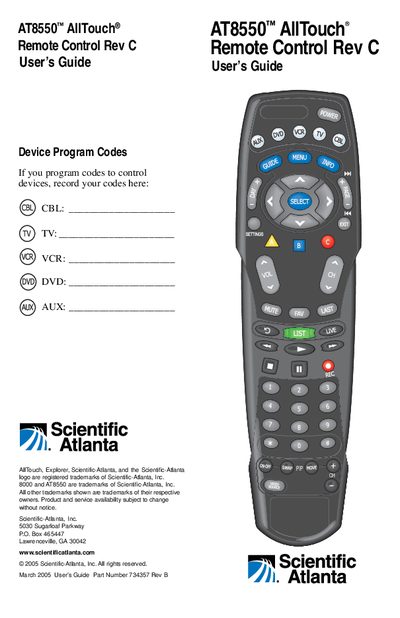
This user guide introduces the AT8550™ AllTouch® universal remote control, which can replace up to five separate remotes. It describes the mode keys (CBL, TV, VCR, DVD, AUX), battery installation, and basic operation, including power, volume, and channel control.
The guide provides step‑by‑step instructions for programming device codes, reassigning mode keys, searching the built‑in code libraries, and troubleshooting when no code works. It also includes code tables, quick reference charts, and FCC compliance information.
| Battery requirement | Two AA alkaline batteries |
|---|---|
| Number of TV codes | 225 |
| Number of CBL codes | 23 |
| Number of DVD codes | 206 |
| Number of VCR codes | 210 |
| Number of AUX codes | 38 |
It requires two AA alkaline batteries.
The TV mode library contains 225 codes.
Search the code library using program code 991, then assign a working code when the device turns off.