
Key facts
- Manuals
- 1
- Languages
- EN
- Last added
- 2012-03-12
Featured AT8550 manuals
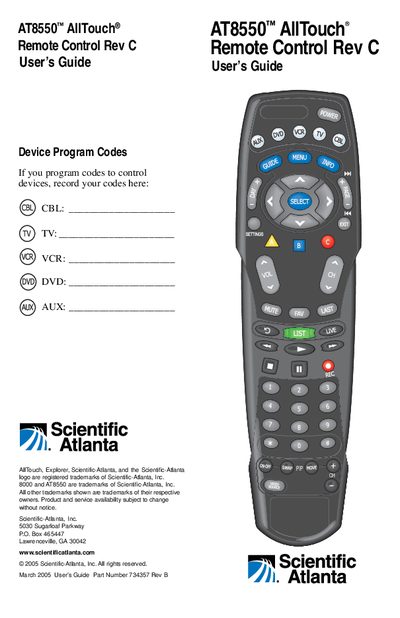
Scientific-Atlanta AT8550 Remote Control Rev C User Guide
This user guide introduces the AT8550™ AllTouch® universal remote control, which can replace up to five separate remotes. It describes the mode keys (CBL, TV, VCR, DVD, AUX), battery installation, and basic operation, including power, volume, and channel control.
The guide provides step‑by‑step instructions for programming device codes, reassigning mode keys, searching the built‑in code libraries, and troubleshooting when no code works. It also includes code tables, quick reference charts, and FCC compliance information.
Covers: In This Guide · Quick Reference · What Devices Can Control · Reassign Mode Keys · Program the Remote to Control My Devices · What If None of the Codes Work
Latest AT8550 manuals
Scientific-Atlanta AT8550 Remote Control Rev C User Guide
User Manual 20 pages · 739 KB · ENThe AT8550 AllTouch universal remote control guide explains setup, programming codes, and operation of TV, VCR, DVD, cable and AUX devices.
Which document do I need?
User Manual
Day-to-day operation, settings and troubleshooting. Start here if the product is already set up.
Questions answered in AT8550 manuals
How many AA batteries does the AT8550 remote need?
It requires two AA alkaline batteries.
From: Scientific-Atlanta AT8550 Remote Control Rev C User Guide
How many TV codes are stored in the remote’s library?
The TV mode library contains 225 codes.
From: Scientific-Atlanta AT8550 Remote Control Rev C User Guide