
This document is the User's Guide for LYNX ™ SIGNWarehouse com lynx_man_rev1_0504, which provides information on the appearance, installation, connection, basic operation, care & basic maintenance, and troubleshooting of LYNX.
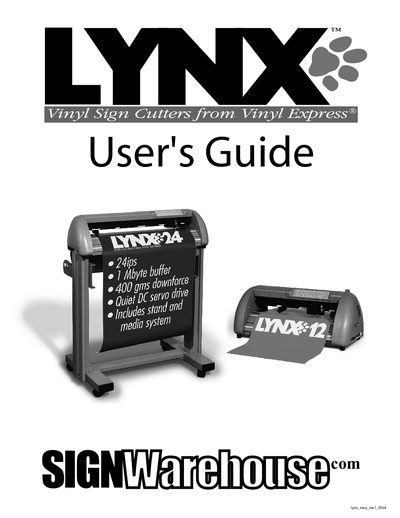
This guide introduces the Lynx S-60 vinyl sign cutter, describing the components, safety precautions, and installation steps. It explains how to connect the cutter via parallel, serial, or USB interfaces and provides detailed instructions for loading sheet or roll media, adjusting settings, and performing cuts.
The manual also covers routine care, basic maintenance, troubleshooting tips, and a full specification table for the Lynx S-60 and S-30 models. Optional accessories and part numbers are listed for easy ordering.
| Max Cutting Width | 590 mm (23.23 in) |
|---|---|
| Cutting Force | 0–300 g |
| Number of Pinch Rollers | 2 |
| Interfaces | Parallel (Centronics) & Serial (RS‑232C) |
| Power Supply | 115 V/230 V (manual switch) |
The Lynx S-60 can cut up to 590 mm (23.23 in) wide material.
The cutter is equipped with two pinch rollers.
It provides Parallel (Centronics) and Serial (RS‑232C) interfaces.
The cutting force can be set from 0 to 300 grams.