
This document is a user manual for the AT570 Windows CE® .NET Ruggedized PDA, which provides information on how to use the product, install the battery, power on/off, set up the screen, use the keyboard, run programs, and use the optional modules.
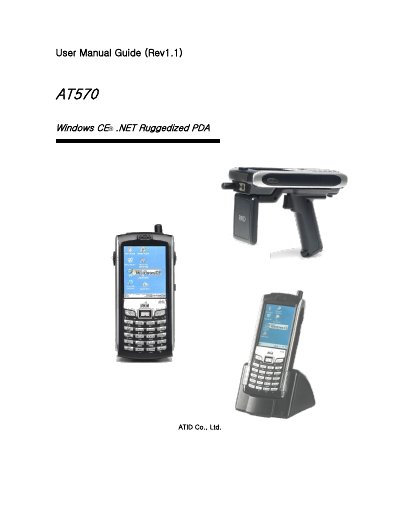
This manual introduces the ATID AT570 ruggedized PDA, a Windows CE .NET based handheld device with a touch‑screen LCD, SD card slot, and optional wireless, GPS, and camera modules. It guides users through safety information, unpacking, and the functions of each hardware component.
Key sections cover power installation and battery charging, basic operation (starting, shutdown, volume and display settings), reset procedures, flash disk handling, keyboard and stylus use, wireless and Bluetooth configuration, GPS setup, GSM/CDMA phone functions, and camera operation. The guide also includes optional module configuration such as RFID readers and UHF tags. This manual is written in Chinese.
| Operating System | Windows CE .NET 5.0 |
|---|---|
| Display | LCD touch screen |
| Battery charging time | Approximately 4 hours |
Charging the battery takes about four hours for a full charge.
After completing the GPS settings, press OK and verify the GPS status screen shows operation.