
This document provides a user manual for the thermal transfer/thermal barcode printers TTP-2410M/346M/644M TTP-246M Plus/344M Plus. It includes an introduction to the printer, product overview, control panel, installation, ribbon installation, label installation, adjustment buttons, and more.
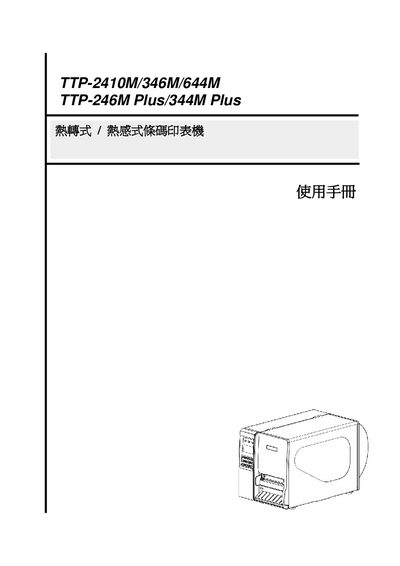
This document introduces the TTP‑2410M, TTP‑346M, TTP‑644M, TTP‑246M Plus and TTP‑344M Plus printers, describing their construction, control panel, safety features and optional functions such as PS/2 keyboard support. Detailed sections cover printer setup, built‑in functions, sensor configuration, serial and Ethernet communication, as well as diagnostic tools and mileage information.
The manual also includes troubleshooting procedures, cleaning guidelines, battery replacement instructions, and update records for firmware and feature additions. Safety warnings emphasize power disconnection, moisture protection, stable placement, and proper handling of the internal CR2032 battery. This manual is written in Chinese.
| Battery Type | CR2032 |
|---|---|
| Network Interface | Ethernet (RJ‑45) |
| Keyboard Interface | PS/2 (optional for Plus models) |
Select the Ethernet (乙太網路設定) option in the Setup menu to configure network parameters.
Refer to the safety instructions; the battery is located on the main board and must be replaced with a CR2032 type to avoid hazards.
The Diagnostic Tool program is described in section 4.1 of the manual and can be used to access printer diagnostics and settings.