
This is a user manual for a printer. It mainly introduces how to install the printer, how to connect the printer, and how to test the printer.
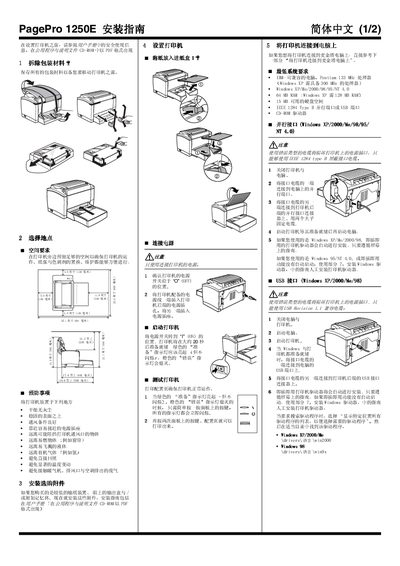
The guide begins with unpacking the printer, retaining packaging for future moves, and selecting a suitable location with adequate ventilation, a stable surface, and easy access to a power outlet. It then details how to load paper, connect the power cord, and turn the printer on, noting that the green “Ready” indicator should light up while the orange “Error” light stays off.
Subsequent sections cover connecting the printer to a Windows or Macintosh computer via parallel or USB cables, installing the appropriate drivers from the supplied CD‑ROM, and registering the printer online. Safety information explains laser class, radiation power, wavelength, and ozone emission, and provides precautions for handling the laser and ensuring proper ventilation. This manual is written in Chinese.
| Maximum laser radiation power | 35 mW |
|---|---|
| Laser wavelength range | 770‑795 nm |
| Laser class | Class 3b |
Visit http://printer.konicaminolta.net/register and follow the on‑screen instructions, or mail the registration card that came with the printer.