
This manual introduces the usage of logviewTH temperature and humidity recorder. The recorder, which is made of stainless steel, can record temperatures ranging from -50℃ to +200℃ (TP-1000)/-55℃ to +125℃ (TP-2000). It is widely used in various fields such as cold storage, food preservation, frozen product transportation monitoring, medical, pharmaceutical, agriculture, beer production, marine and river research, sterilization industry, warehouse temperature monitoring, environment monitoring, process temperature monitoring, air conditioning monitoring, etc.
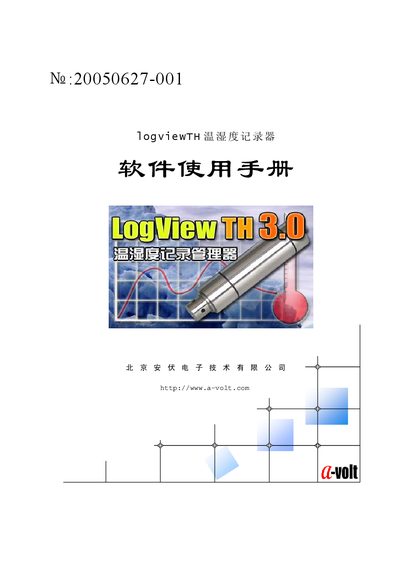
The guide starts with hardware installation, describing how to connect the stainless‑steel‑cased recorder to a PC using the supplied USB or RS232 download cable. It then covers driver installation for the USB interface, including both direct CD installation and Windows‑guided installation methods.
Subsequent sections detail the software environment, installation, startup, configuration, and the layout of the program’s windows and menus. The manual also explains how to view temperature‑humidity curves, edit recorded data, generate reports, and export them to Excel. Warranty and maintenance information is provided at the end of the document. This manual is written in Chinese.
| Temperature range (TP-1000) | -50 °C to +200 °C |
|---|---|
| Temperature range (TP-2000) | -55 °C to +125 °C |
| Housing material | Stainless steel |
| Warranty period | 1 year limited warranty |
Insert the driver CD into the computer, double‑click the installer, follow the prompts (Next, Next, Finish) to complete the USB driver installation.
The TP‑1000 records temperatures from –50 °C to +200 °C, while the TP‑2000 records from –55 °C to +125 °C.
Select the data you want to change, enter the new value directly, and click the Modify button; the curve updates automatically.
Yes, the report can be saved in Excel format from the software’s report screen.