
Key facts
- Manuals
- 1
- Languages
- ZH
- Last added
- 2012-03-09
Featured logviewTH manuals
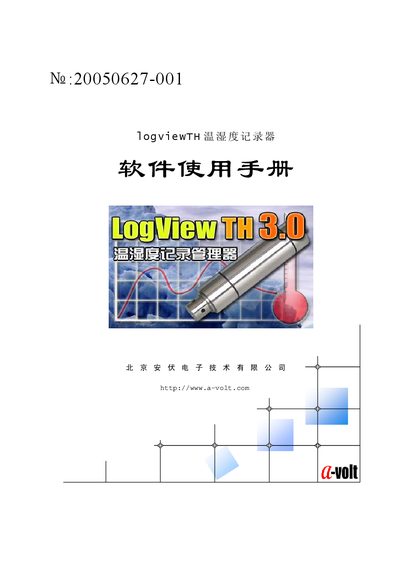
Anfu Electronics TP-500/TP-1000/TP-2000 Temperature Recorder Software User Manual
The guide starts with hardware installation, describing how to connect the stainless‑steel‑cased recorder to a PC using the supplied USB or RS232 download cable. It then covers driver installation for the USB interface, including both direct CD installation and Windows‑guided installation methods.
Subsequent sections detail the software environment, installation, startup, configuration, and the layout of the program’s windows and menus. The manual also explains how to view temperature‑humidity curves, edit recorded data, generate reports, and export them to Excel. Warranty and maintenance information is provided at the end of the document. This manual is written in Chinese.
Covers: Hardware Installation · USB Interface Installation · RS232 Interface Installation · USB Driver Installation · Software Environment · Software Installation
Latest logviewTH manuals
Anfu Electronics TP-500/TP-1000/TP-2000 Temperature Recorder Software User Manual
User Manual 41 pages · 1.6 MB · ZHThis manual explains how to install, configure, and operate the logviewTH software for TP-500/TP-1000/TP-2000 temperature and humidity recorders.
Which document do I need?
User Manual
Day-to-day operation, settings and troubleshooting. Start here if the product is already set up.
Questions answered in logviewTH manuals
How do I install the USB driver for the recorder?
Insert the driver CD into the computer, double‑click the installer, follow the prompts (Next, Next, Finish) to complete the USB driver installation.
From: Anfu Electronics TP-500/TP-1000/TP-2000 Temperature Recorder Software User Manual
What temperature ranges does the TP‑1000 and TP‑2000 support?
The TP‑1000 records temperatures from –50 °C to +200 °C, while the TP‑2000 records from –55 °C to +125 °C.
From: Anfu Electronics TP-500/TP-1000/TP-2000 Temperature Recorder Software User Manual