
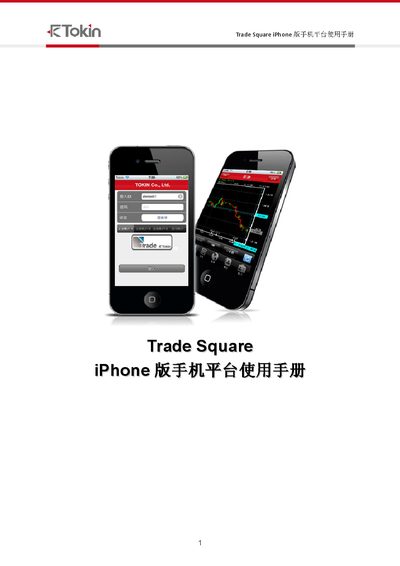
Trade Square iPhone version mobile platform user manual introduces the use of mobile platform login, market, chart, news, position, account menu and other functions.
The Trade Square iPhone platform manual provides step‑by‑step instructions for logging in, performing trades, and managing the application. It includes sections on login (1.1), logout (1.3), alternative operations, and detailed settings for trading items.
Later chapters describe how to add or remove trading items, view currency pairs, and reconnect the platform if the connection is lost (6.4). The document also lists various codes and parameters used within the system. This manual is written in Japanese.
Use the reconnection steps in section 6.4 to re‑establish the connection.
Select the option to add a product in the trading interface as shown in section 2.1.