
Key facts
- Manuals
- 1
- Languages
- JA
- Last added
- 2012-03-09
Featured Trade manuals
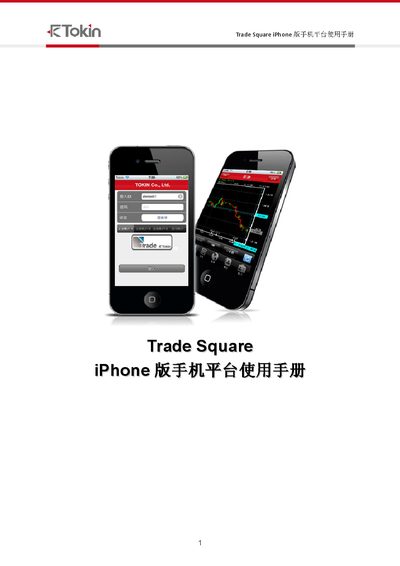
Trade Square iPhone User Manual
The Trade Square iPhone platform manual provides step‑by‑step instructions for logging in, performing trades, and managing the application. It includes sections on login (1.1), logout (1.3), alternative operations, and detailed settings for trading items.
Later chapters describe how to add or remove trading items, view currency pairs, and reconnect the platform if the connection is lost (6.4). The document also lists various codes and parameters used within the system. This manual is written in Japanese.
Covers: Login · Logout · Alternative Operations · Settings · Trading Operations · Reconnection
Latest Trade manuals
Trade Square iPhone User Manual
User Manual 63 pages · 3.3 MB · JAThis manual explains how to use the Trade Square iPhone platform, covering login, trading operations, settings and reconnection.
Which document do I need?
User Manual
Day-to-day operation, settings and troubleshooting. Start here if the product is already set up.
Questions answered in Trade manuals
What should I do if the connection is lost?
Use the reconnection steps in section 6.4 to re‑establish the connection.
How can I add a new trading item to the list?
Select the option to add a product in the trading interface as shown in section 2.1.