
BMW CIC interface box installation and use instructions
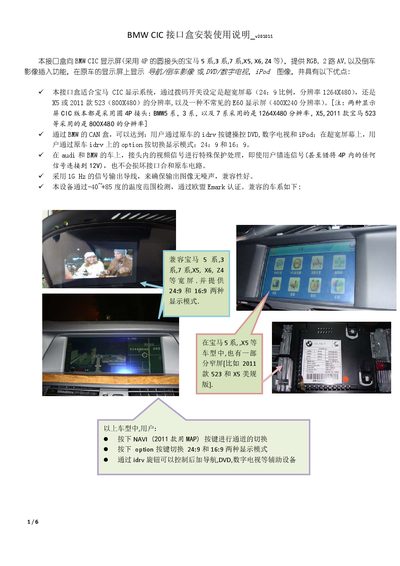
The BMW CIC Interface Box adds RGB, dual AV and reverse‑camera inputs to compatible BMW CIC displays (e.g., 5‑Series, 3‑Series, 7‑Series, X5, X6, Z4). It supports both 24:9 widescreen and 16:9 modes and protects the vehicle’s CAN bus from incorrect connections.
The manual details how to connect the CAN and power lines, configure DIP switches for video resolution and input selection, use the side MENU/Option buttons, and optionally attach a touch panel or external relay. Technical specifications such as voltage ranges, power consumption and video signal parameters are also provided. This manual is written in Chinese.
| Operating temperature range | -40 °C to +85 °C |
|---|---|
| Normal power consumption | 2.4 W |
| Standby current | < 10 mA |
| Video amplitude | 0.7 Vpp |
| Sync signal strength | 3 ~ 5 Vpp |
Press the Option button on the iDrive controller to toggle between the two aspect ratios.
The relay control output provides +5 V and can drive up to 3 A of current.