
ST71 User Manual is the user manual of ST71 product. It mainly introduces the performance, appearance, buttons, home screen, basic operations and desktop settings of the product.
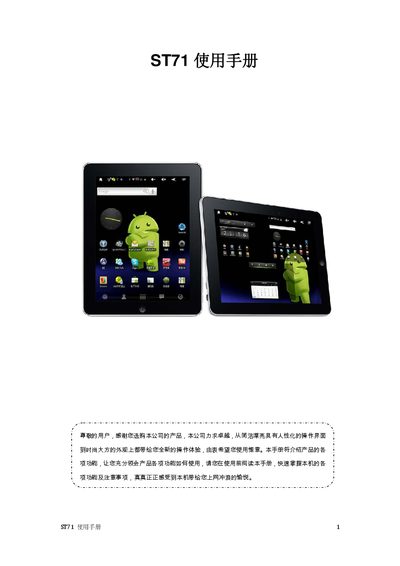
This manual introduces the ST71’s features, safety precautions, and step‑by‑step usage instructions. It explains how to navigate the touch‑screen interface, install applications, and manage media playback, while highlighting important warnings such as avoiding extreme temperatures and using proper cleaning agents.\n\nThe document also lists the device’s technical specifications, including display resolution, memory capacity, battery life, audio and video support, and connectivity options. Troubleshooting tips for common issues like power problems, audio playback, and file downloads are provided at the end of the guide. This manual is written in Chinese.
| Display | 7‑inch TFT LCD, 800×600 resolution |
|---|---|
| Battery | 4000 mAh |
| Playback time (Wi‑Fi) | ≈7 hours |
| Audio output power | 7 mW (L) / 7 mW (R) into 32 Ω |
| MP3 bitrate | 8 kbps – 320 kbps |
| WMA bitrate | 48 kbps – 320 kbps |
| Frequency response | 20 Hz – 20 kHz ±3 dB |
| Signal‑to‑noise ratio | >85 dB |
| Total harmonic distortion | <0.6 % |
| Operating temperature | -10 °C to 45 °C |
| Connectivity | Wi‑Fi 802.11b/g, 3G, USB 2.0 high‑speed |
| G‑sensor | Gravity sensor included |
Make sure the volume is not set to zero and that the earphone connector is properly seated.
Verify that the PC and the ST71 are correctly connected via USB, ensure there is enough free storage, and check that the USB cable is not damaged.