
Key facts
- Manuals
- 1
- Languages
- ZH
- Last added
- 2012-03-09
Featured scoyar manuals
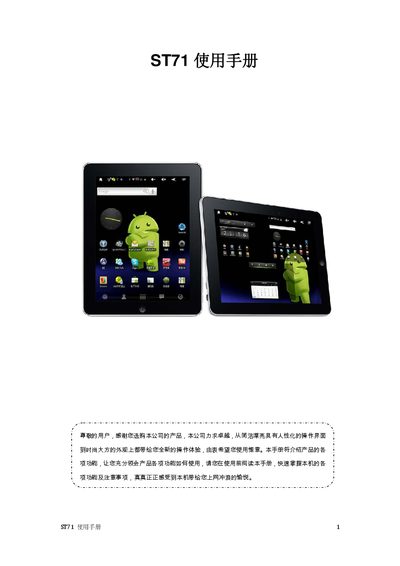
ST71 User Manual
This manual introduces the ST71’s features, safety precautions, and step‑by‑step usage instructions. It explains how to navigate the touch‑screen interface, install applications, and manage media playback, while highlighting important warnings such as avoiding extreme temperatures and using proper cleaning agents.\n\nThe document also lists the device’s technical specifications, including display resolution, memory capacity, battery life, audio and video support, and connectivity options. Troubleshooting tips for common issues like power problems, audio playback, and file downloads are provided at the end of the guide. This manual is written in Chinese.
Covers: 使用手基 (User Guide) · 主要性能 (Main Performance) · 外形及商畠 (Physical Design) · 主房募介外 (Main Interface Overview) · 返回主屋幕 (Return to Home Screen) · 常見同族外理 (Common Troubleshooting)
Latest scoyar manuals
ST71 User Manual
User Manual 57 pages · 3.7 MB · ZHThe ST71 user manual provides operating instructions, safety guidelines, and technical specifications for the device.
Which document do I need?
User Manual
Day-to-day operation, settings and troubleshooting. Start here if the product is already set up.
Questions answered in scoyar manuals
Why is there no sound from the earphones?
Make sure the volume is not set to zero and that the earphone connector is properly seated.
From: ST71 User Manual
What should I do if I cannot download files?
Verify that the PC and the ST71 are correctly connected via USB, ensure there is enough free storage, and check that the USB cable is not damaged.
From: ST71 User Manual