
This document is a user manual for the Meizu E3 series music player produced by Meizu Electronic Technology Co., Ltd. It introduces the features, basic operations, shortcuts, menus, firmware upgrade, etc. of the Meizu E3 music player.
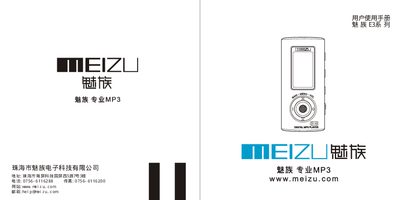
This manual explains how to set up the Meizu E3 MP3 player, connect it to a computer via USB, insert and replace the battery, and use the basic and advanced playback functions. It also includes safety precautions, component descriptions, and troubleshooting tips.
Key specifications such as storage options, display type, battery life, audio output power, supported audio formats, and operating temperature are listed, helping users understand the device’s capabilities and performance limits. This manual is written in Chinese.
| Internal storage | 128M, 256M, 512M, 1G |
|---|---|
| Dimensions | 62 mm × 28.3 mm × 16.5 mm |
| Battery life | Up to 12 hours playback (900 mAh) |
| MP3 bitrate support | 8‑320 kbps |
| Supported audio formats | MP3, WMA, VAV |
| Frequency response | 20 Hz – 20 kHz |
| Signal‑to‑noise ratio | >90 dB |
| Total harmonic distortion | <0.05 % |
| Operating temperature | -5 °C to 40 °C |
The player supports MP3, WMA and VAV audio files.
It can play music for up to 12 hours on a full charge (approximately 900 mAh battery).
Connect the USB cable to the E3’s USB port and then to a computer’s USB port; the device will be recognized for file transfer.