
The document is about Philips GC9140 2 3 OFF ON 22 23 24 1 2 4 5 3 6 7 26 27 28 8 13 1514 16 12 11 10 9 17 21 18 19 20 25 1 4 GC9140 EnGlish 6 indonEsia 12 한국어 18 Bahasa MElayu 24 ภาษาไทย 30 Tiếng ViệT 35 繁體中文 41 简体中文 46 6 introduction Congratulations on your purchase and welcome to Philips! To fully benefit from the support that Philips offers, register your product at www.philips.com/welcome. important Read this user manual carefully before you use the appliance and save it for future reference. danger - Never immerse the iron or the steam generator in water. Warning - Check if the voltage indicated on the appliance corresponds to the local mains voltage before you connect the appliance. - Do not use the appliance if the plug, the mains cord, the supply hose or the appliance itself shows visible damage, or if the appliance has been dropped or leaks. - If the mains cord or the supply hose is damaged, you must have it replaced by Philips, a service centre authorised by Philips or similarly qualified persons in order to avoid a hazard. - Never leave the appliance unattended when it is connected to the mains. - This appliance is not intended for use by persons (including children) with reduced physical, sensory or mental capabilities, or lack of experience and knowledge, unless they have been given supervision or instruction concerning use of the appliance by a person responsible for their safety. - Children should be supervised to ensure that they do not play with the appliance. - Do not let the mains cord
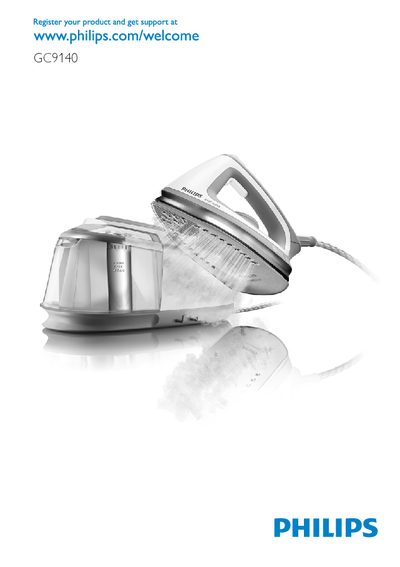
The manual introduces the Philips GC9140 steam generator, outlines safety precautions such as never immersing the iron in water and checking voltage, and describes the main components (supply hose, temperature dial, steam boost button, water tank, etc.). It explains how to set up the appliance, fill the water tank, attach the iron, and select steam settings for high, medium, or ECO output.
Additional sections cover the automatic Calc Clean function that removes scale after several uses, a manual cleaning procedure, storage steps, and a troubleshooting guide that helps resolve common issues like lack of heat, no steam, or water droplets on the soleplate.
The appliance automatically performs a Calc Clean process after using 6‑8 tanks of water, indicated by the Auto Calc Clean light flashing and short beeps; you can also start a manual Calc Clean by holding the middle steam button while switching on.
Check that the water tank contains water and is properly seated, then set the temperature dial to 2 or higher; the appliance will heat up for about 2 minutes before steam is produced.
Switch off the appliance, unplug it, empty the Calc Clean tank if filled, wind the supply hose, and lock the iron onto the steam generator using the carry lock slide.
No – the manual warns never to immerse the iron or the steam generator in water.