
This document describes the installation steps, safety precautions, advanced features, and applications of the 790 speed controller. The speed controller should be installed by a professional electrical technician familiar with DC speed control and its applications. It is important to comply with all local electrical regulations and ensure proper ventilation. Check the phase sequence of the main power supply before installation. The speed controller also includes various connection terminals and functional descriptions.
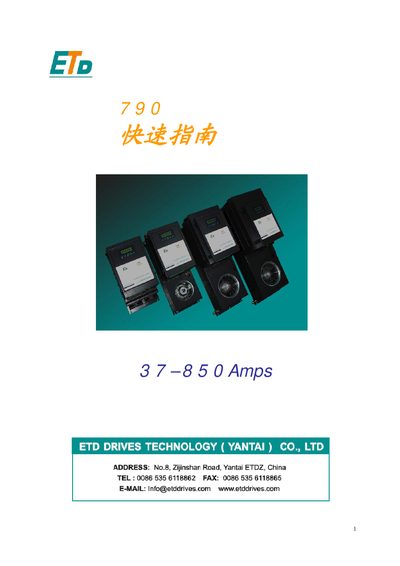
The ETD 790 Quick Start Guide provides concise instructions for installing and configuring the ETD 790 drive. It includes wiring diagrams, power specifications, and basic parameter settings to get the drive operational quickly.
The guide also lists key electrical ratings such as input current range, voltage options, and encoder settings, helping users verify compatibility with their system and perform initial setup safely.
| Input current range | 37‑850 A |
|---|---|
| Supported AC voltage | 220 V |
| DC bus voltage | 110 V |
| Operating voltage range | 60‑180 V |
| Encoder pulses per revolution | 1000 ppr |
The drive can handle an input current from 37 A up to 850 A.
The unit is rated for 220 V AC operation.
The drive operates on a 110 V DC bus.
The drive supports an encoder with 1000 pulses per revolution.