
SCH-F519 User Manual introduces the basic usage of this phone, including how to turn it on and off, how to make a call and how to answer a call. It also introduces the special features of this phone, such as taking pictures, recording videos and listening to music.
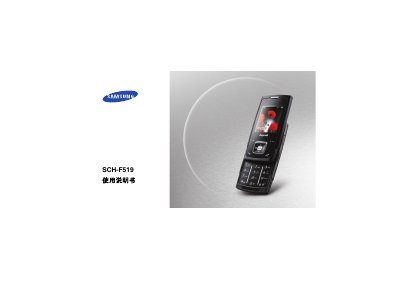
This Samsung SCH-F519 user manual gives safety information for the mobile phone, including traffic safety, refueling, airplane use, medical equipment, and radio interference. It also lists the items in the package, describes the phone buttons and parts, and explains how to install the UIM card and battery, charge the phone, and turn it on and off.
The manual introduces special functions such as the camera, MP3 player, music editor, WAP browser, contacts, messaging, SOS messages, messenger, Bluetooth wireless technology, and menu settings. It includes a menu function overview, troubleshooting, and health and safety information. This manual is written in Chinese.
Open the phone slide cover and press and hold the power key.
The phone turns off automatically and the battery should be charged.
Turn off the phone near medical equipment because hospitals may use devices sensitive to radio frequencies.
Yes, wireless Bluetooth technology can be used to connect headsets or hands-free kits.