
SGH-E778 User Manual, introduces the phone's safety measures, basic operation methods and special functions, such as camera, image editor, MP3 player, file browser, Bluetooth, incoming call image, print photo, MMS, email, WAP browser, Java, phone to TV, vibration etc.
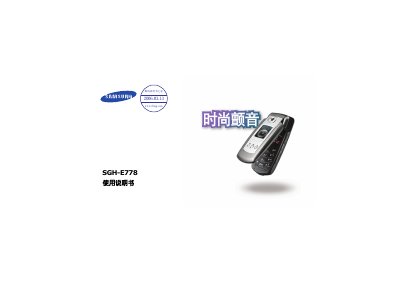
This user manual for the Samsung SGH-E778 mobile phone details the initial setup steps, including installing the SIM card, battery, and charging the device. It also explains how to turn the phone on and off and navigate the keypad and display. This manual is written in Chinese.
Do not use the phone while driving; if you need to talk, stop the vehicle first.
No, you should turn off the phone at gas stations or near flammable items to prevent interference or danger.
No, the phone is not waterproof and should be kept dry.
Using a non-Samsung battery may damage the phone and could cause an explosion.