
TKS-900 series real-time online emulator is a series of products launched by Guangzhou Zhiyuan Electronics Co., Ltd., which fully supports the Philips P89LPC900 series chip simulation. It has a comprehensive optimization design in the simulation performance, and can guarantee users more convenient operation and real simulation effect.
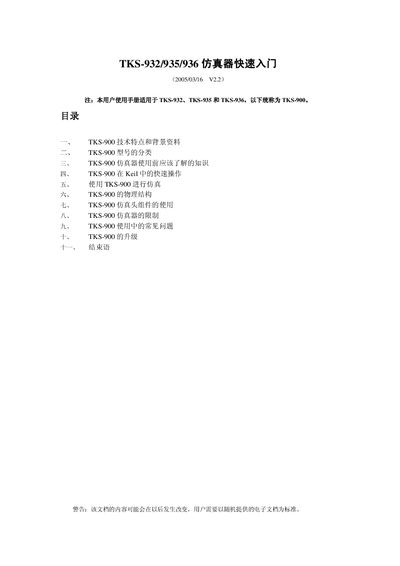
The TKS 932/935/936 simulator is a real‑time online emulator for Philips P89LPC900 series microcontrollers. It supports Keil C51 development, provides both software and hardware debugging, and includes interchangeable simulation heads for various package types.
This quick‑start manual walks the user through required pre‑conditions, Keil integration, driver installation, hardware configuration, common troubleshooting, and upgrade procedures, helping users get the simulator operational quickly. This manual is written in Chinese.
| Power Input | AC 220 V |
|---|---|
| External Power Voltage Range | 2.5 V – 3.6 V |
| Supported Microcontroller Series | Philips P89LPC900 series |
| Baud‑Rate Range | 1200 – 57600 bps |
Copy the appropriate TKS_XXX.DLL file to the Keil C51 bin directory and add a line like TDRV3=bin\TKS_935.DLL to the Tools.ini file.
The emulator automatically adapts to any baud‑rate between 1200 and 57600 bps.
Typical causes include a bad cable connection, missing power, wrong driver selection, incorrect COM port or baud‑rate, or a damaged PC serial port.