
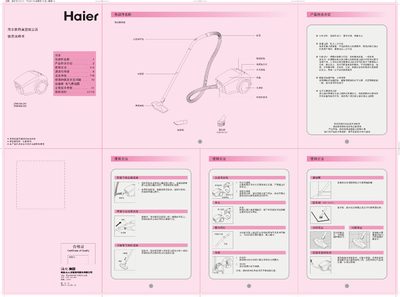
This manual explains how to assemble the Haier ZW1200-261 and ZW1400-263 vacuum cleaners, including attaching the long hose, brush heads, and the front cover lock. It also describes the foot‑pedal control, power‑indicator light, and adjustable airflow dial.
Safety precautions, filter‑bag replacement, cleaning of the filter elements, and troubleshooting steps are covered. The document ends with warranty information, service contacts, and disposal guidelines. This manual is written in Chinese.
| Model | ZW1200-261 / ZW1400-263 |
|---|---|
| Rated Voltage | 220 V |
| Rated Frequency | 50 Hz |
| Rated Input Power | 1200 W / 1400 W |
| Maximum Vacuum Pressure | 22 kPa / 23.5 kPa |
| Noise Level | 82 dB(A) |
When the power‑indicator changes from blue to red, it signals that the dust bag or filter is full and should be emptied or cleaned.
Open the dust‑bag lock, pull out the used bag, and insert a new disposable bag following the arrow direction on the bag.
Check that the power plug is firmly inserted, the outlet has voltage, and the power switch is turned on.
Remove the filter element, rinse it under running water without rubbing, then let it air‑dry before reinstalling.